Automotive assembly
Keep model, component and workstation labels aligned with each order
Assembly labels change with the model, configuration, workstation and batch. Passing production-system data directly to BarTender reduces re-entry and makes label origins easier to trace.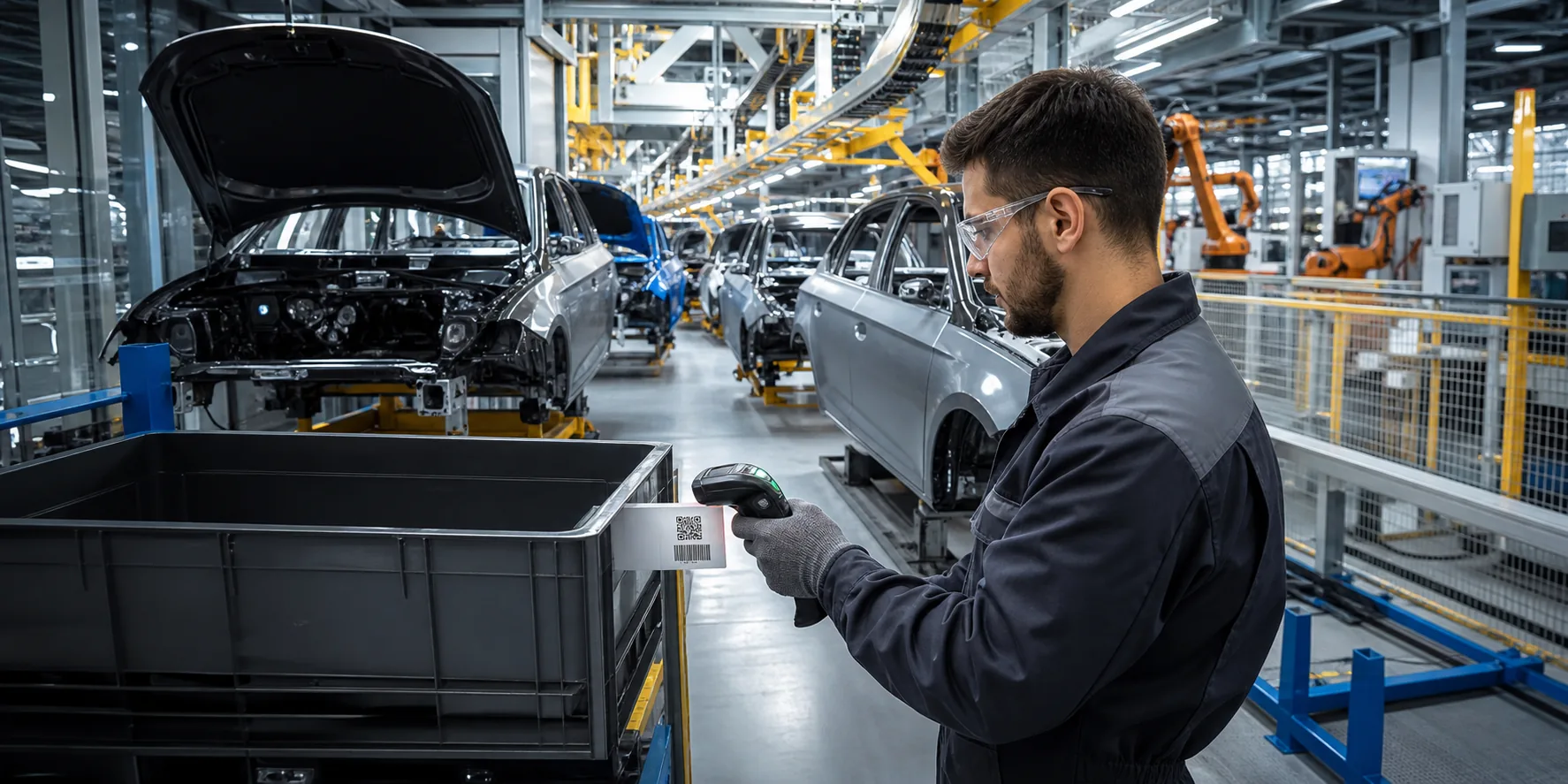
Common labels
What this industry commonly prints
Workstation and process cards
Model and configuration labels
Finished-vehicle and shipping labels
From data to label
Use controlled system data instead of retyping label content
Receive the order
Read model, configuration, order and batch data from ERP, MES or a controlled database.
Select the label by rule
Use the model, workstation and customer requirement to select the approved template.
Route to the workstation
Send the label to the correct printer and retain print time and batch context.
What we can connect
Bring software, data and on-site printing together
Reduce re-entry
Use production data directly instead of asking operators to type it again.
Prevent wrong labels
Select content and templates from the order and workstation context.
Investigate problems
Keep the label, order, batch and print record related.