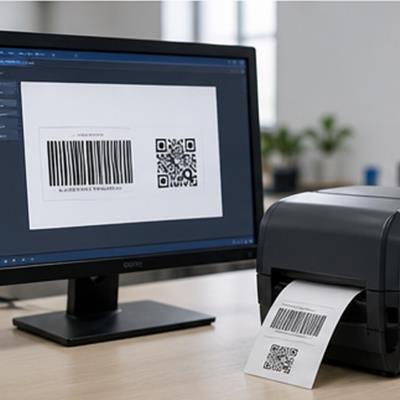
Labels, barcodes and RFID
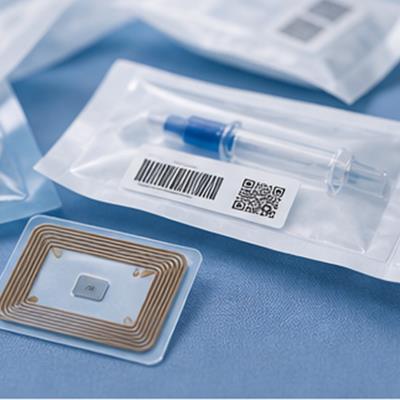
Place text, one-dimensional barcodes, QR codes, images, serial numbers and RFID data on controlled labels.
Domain(GZ)IOT Science and Technology Co., Ltd
2026 BarTender Silver Reseller Partner | Enterprise data and label-printing integration services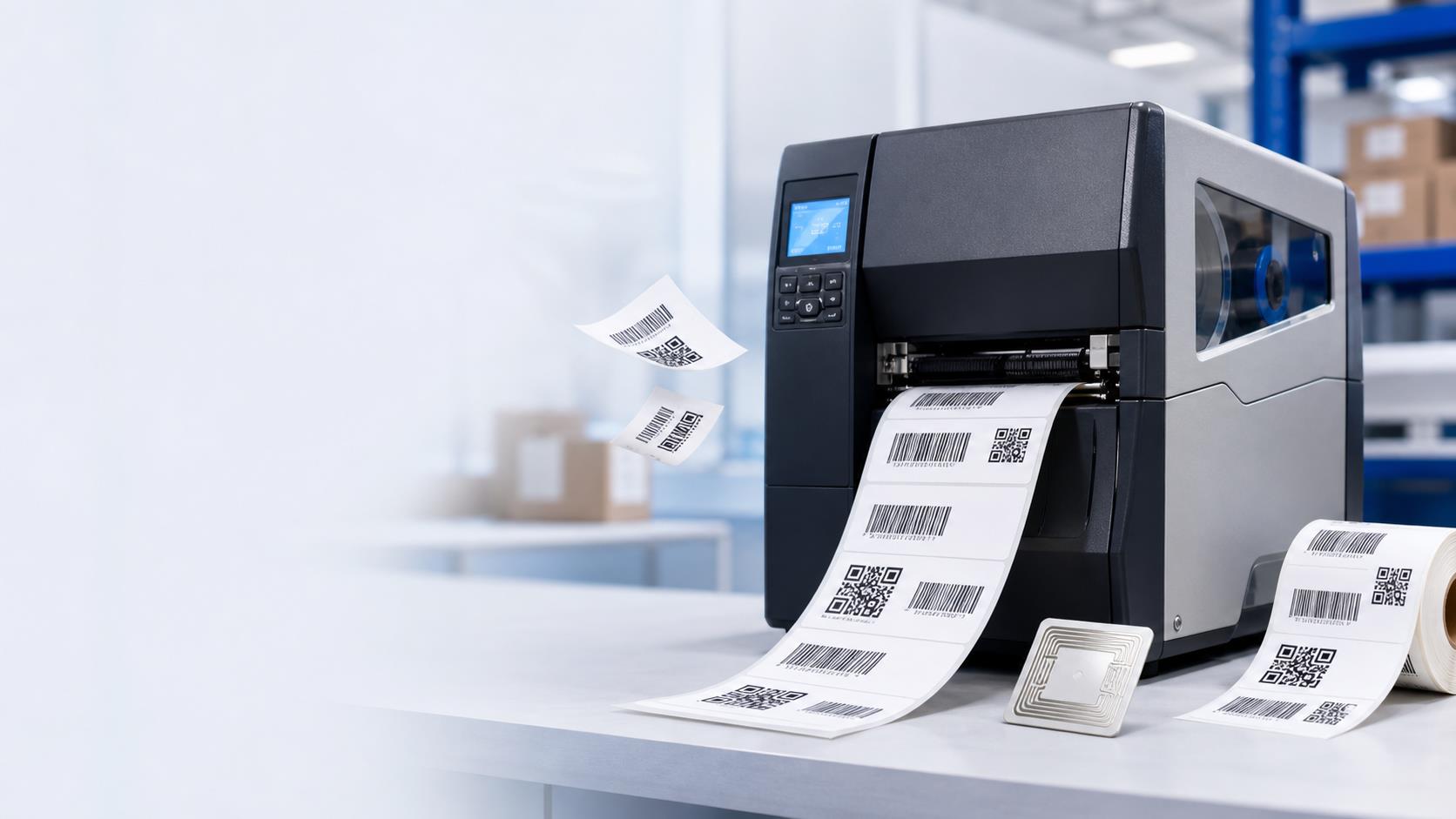
Place text, one-dimensional barcodes, QR codes, images, serial numbers and RFID data on controlled labels.
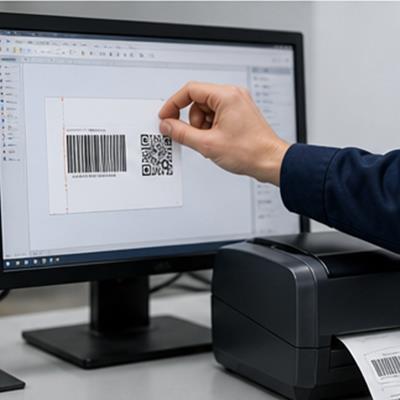
Build the label around the real media, data and scanning requirement.
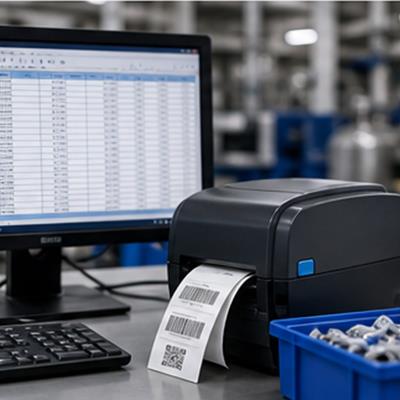
Use data from Excel, databases, ERP, WMS or MES instead of retyping it.
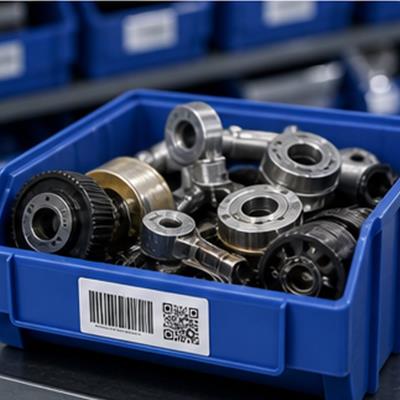
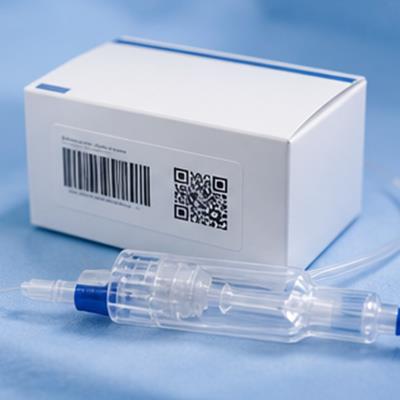
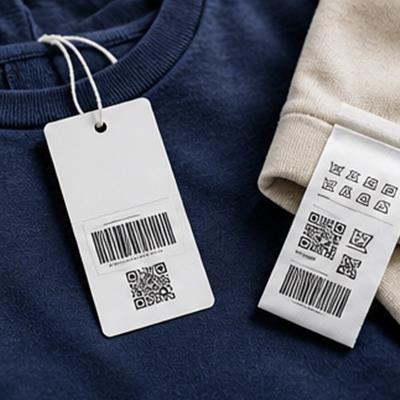
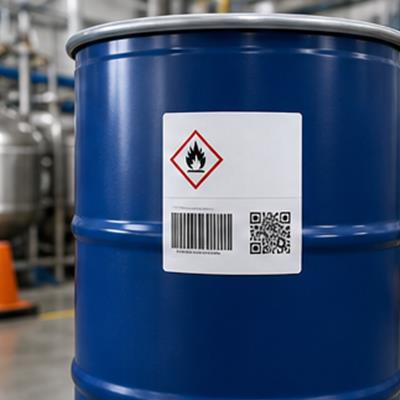
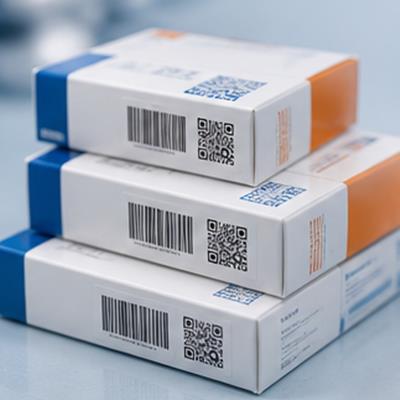
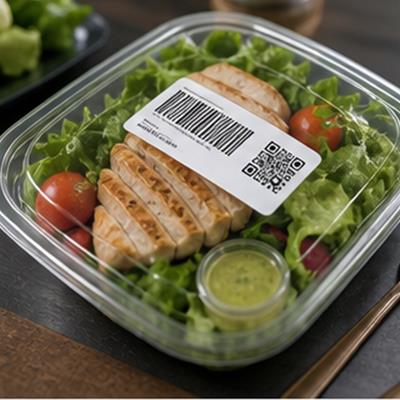
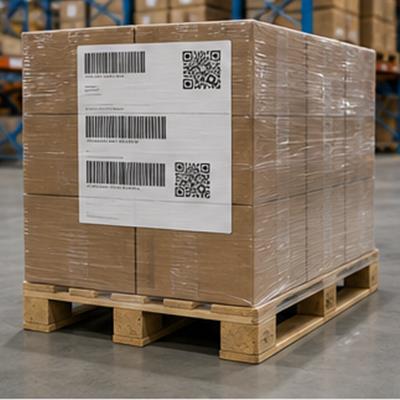
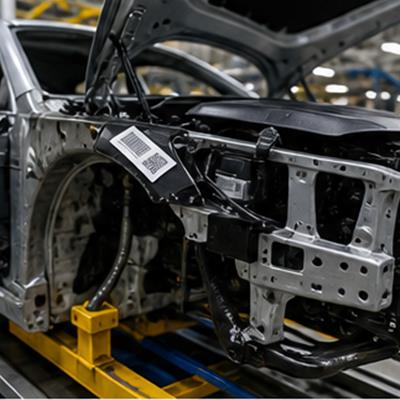
Connect ERP, WMS, MES, databases, BarTender and print devices so controlled data reaches the correct physical label.
Use data from ERP, WMS, MES, Excel or controlled databases.
Apply the product, order and batch rules in BarTender.
Route to the correct device and compare the output with the business task.
Start with the part of the data-to-label path that is causing the real problem.
Use business-system data directly in label printing.
View service >>02Generate and print labels from approved order or task events.
View service >>03Return print status to the responsible business workflow.
View service >>04Fit supported BarTender capabilities into the existing application.
View service >>05Connect RFID encoding, printing and reading to real operations.
View service >>Define the problem first, then decide whether it needs edition selection, data integration or SDK development.
Narrow the options from computer count, printer count, data and required workflow capabilities.
Connect Excel, databases, ERP, WMS or MES so approved data flows into printing.
Diagnose garbled text, offsets, media mismatch, drivers and print settings.
Use supported automation and SDK capabilities to connect printing to the existing workflow.
Compare label content, system data, print time and batch to find where synchronization failed.