Automotive parts
Change part and customer data without rebuilding the entire label
Automotive-parts labels vary by part, customer, batch and packaging. Using a database as the controlled source reduces files and wrong-label risk.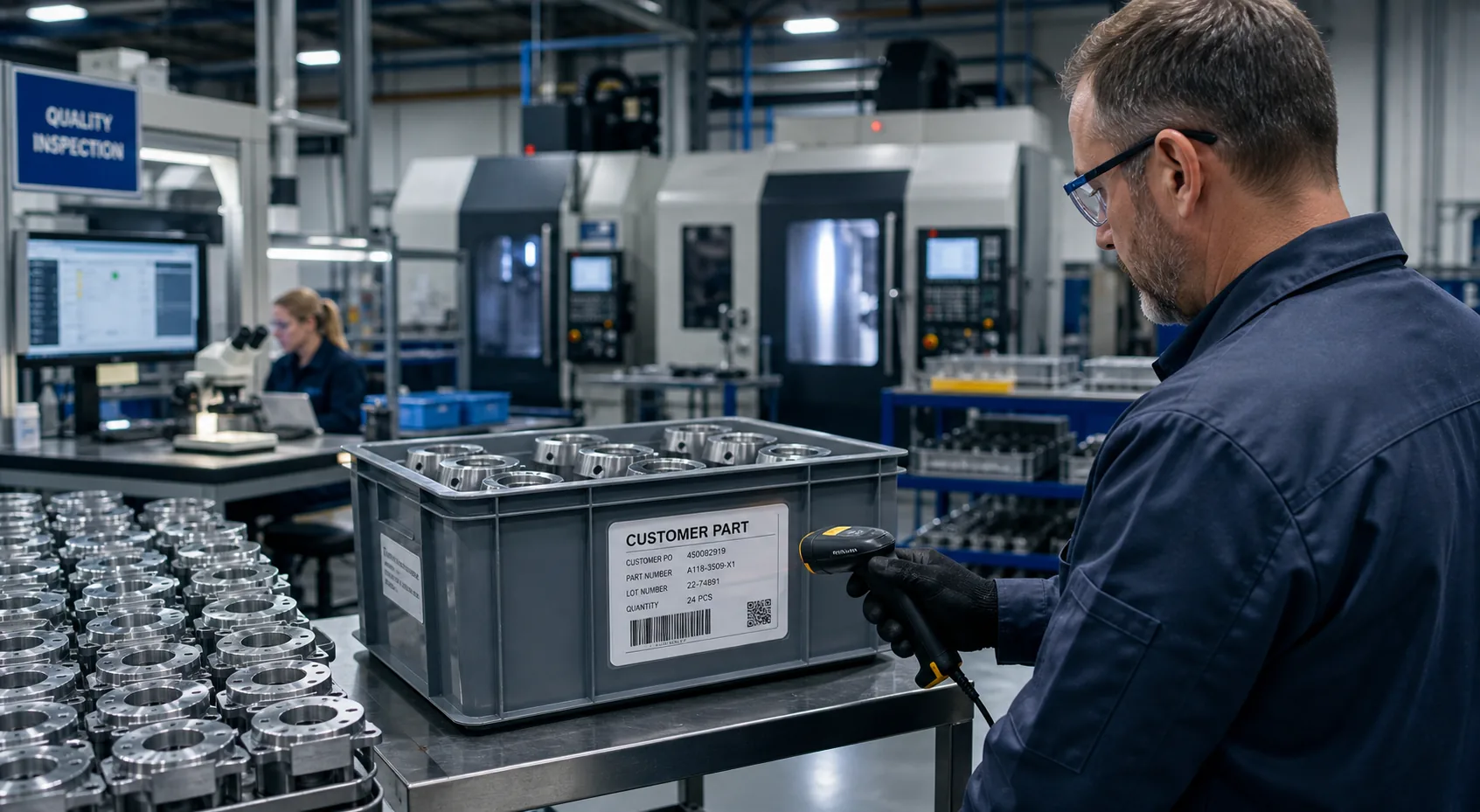
Common labels
What this industry commonly prints
Customer-specific labels
Batch and traceability labels
Returnable-container and packaging labels
From data to label
Use controlled system data instead of retyping label content
Store content in the business database
Keep part, customer, batch and packaging data in the responsible system.
Read data into the template
Use BarTender to generate the label required by the task.
Verify before printing
Confirm the part, customer and label relationship before release.
What we can connect
Bring software, data and on-site printing together
Reduce manual errors
Avoid retyping each label field on the shop floor.
Add new parts faster
Reuse controlled structures and rules instead of starting from an empty file.
Meet customer formats
Generate different customer label formats from the same controlled data.